

Download Shamela Agent
Shamela Agent only works with the setup below.
1. The latest Maktabah Shamela 4 (free), installed and opened once.
2. An Apple silicon Mac or a Windows 10/11 PC.
3. A Claude or ChatGPT account or an API key for AI features in Shamela Agent.
Join the waitlist
Enter your email to be notified when access opens.
Three steps
Pick Mac or Windows in step 1.
- 01
Install
- Close Shamela.
- Open Shamela-Agent-Mac.dmg from your Downloads.
- In the window that opens, double-click Shamela Agent.
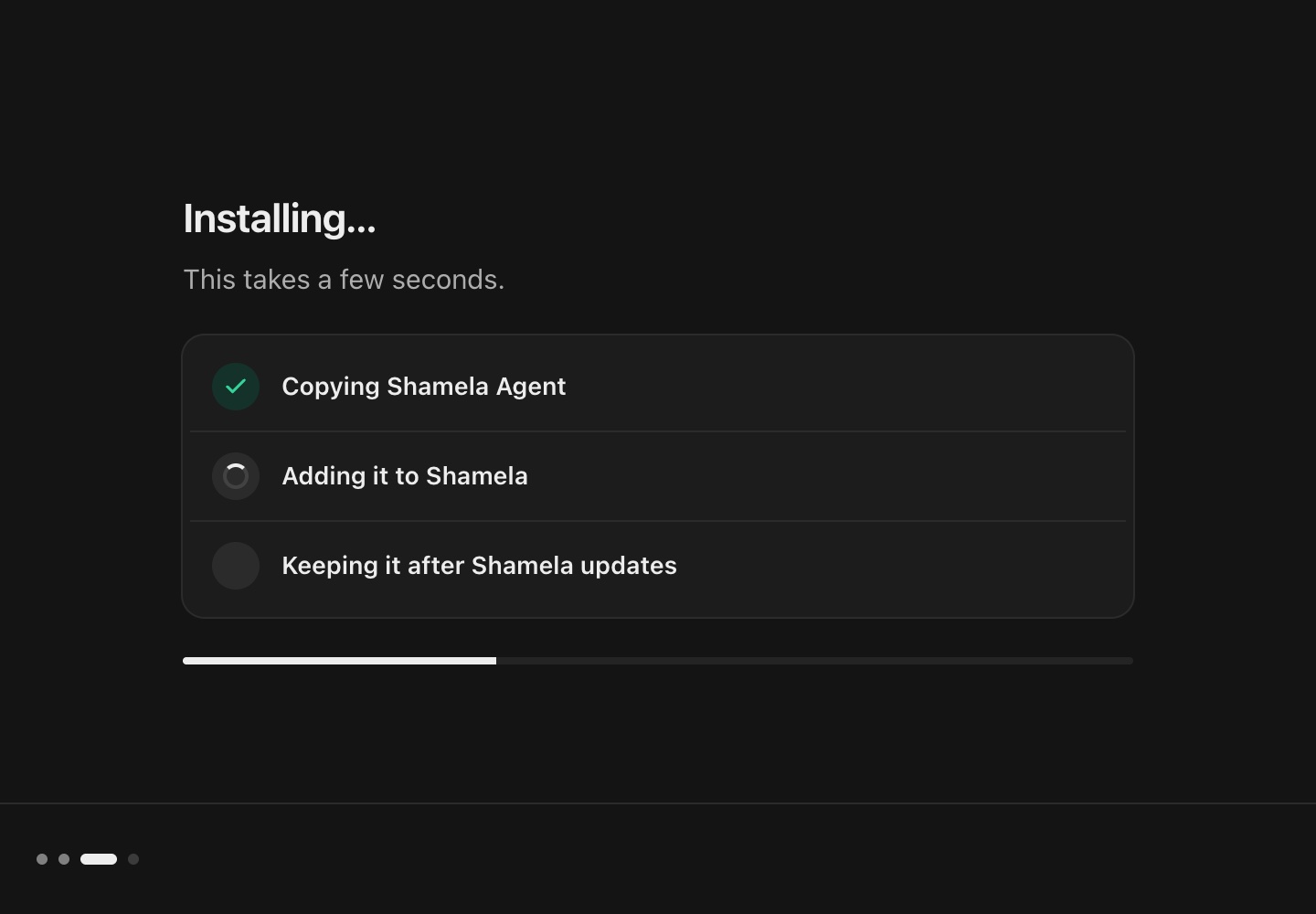
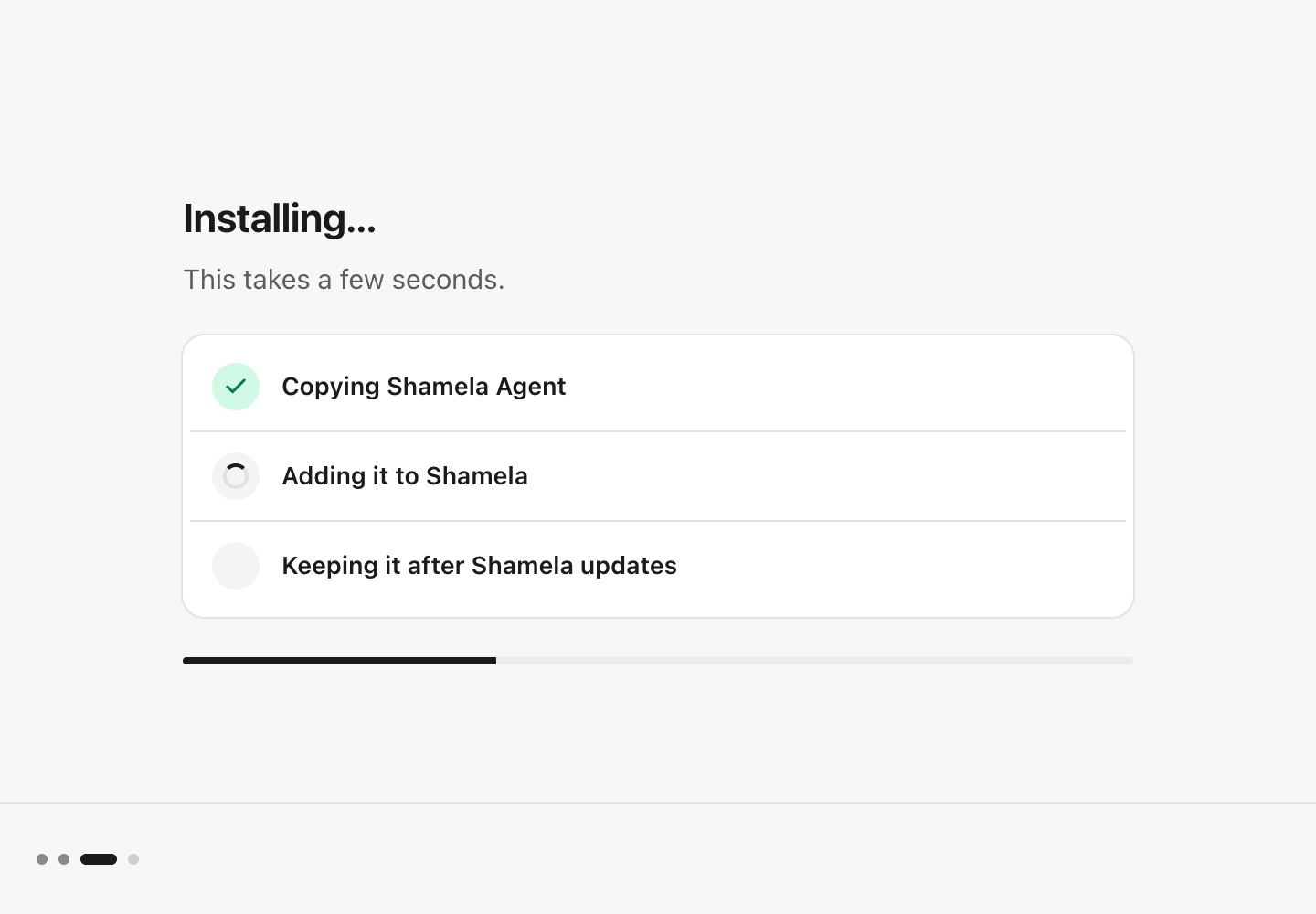
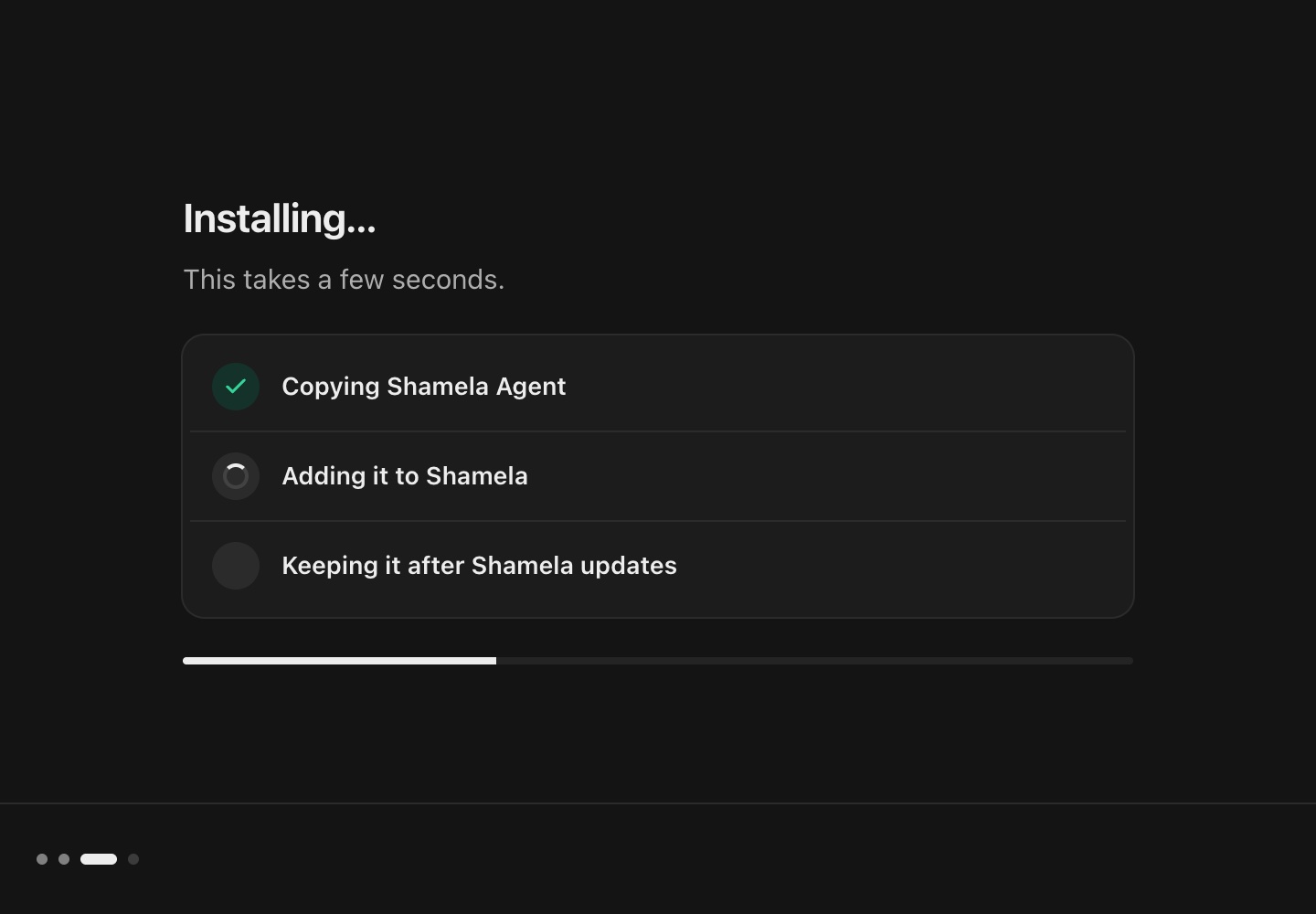
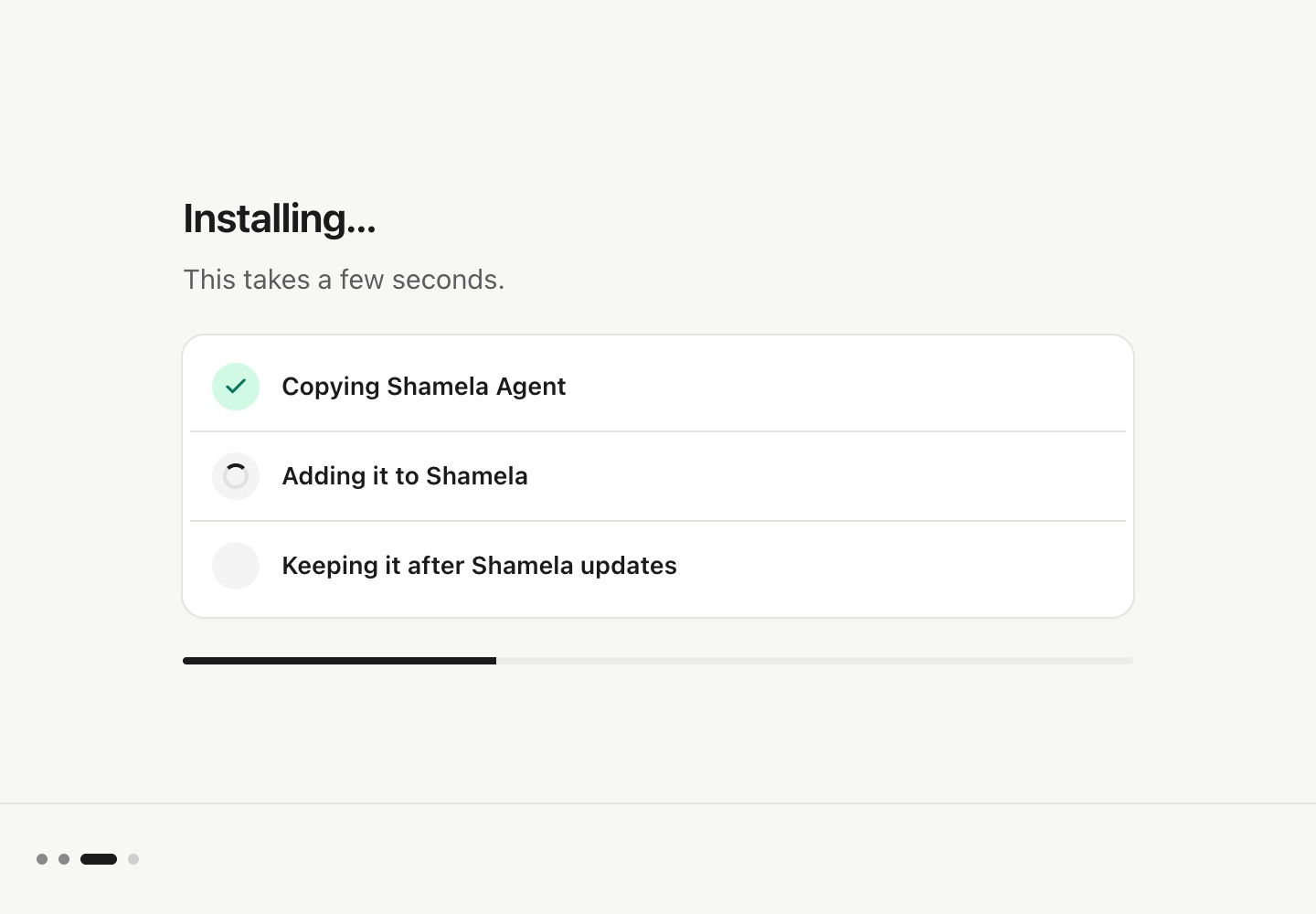
- Click Install.It installs into Shamela and adds itself to Applications.
macOS blocks it? · First time only
- Click Done.
- In the same window, double-click Privacy & Security.
- Scroll to the bottom, click Open Anyway, then double-click Shamela Agent again.
- Keep the file. In Edge, click the arrow beside Delete, then Keep anyway.Chrome doesn’t ask.
- Close Shamela.
- Open ShamelaAgent-Setup.exe from your Downloads.
- Click Install.It adds itself to the Start menu.
Blue warning? · Windows SmartScreen
- Click More info.
- Click Run anyway.
- 02
Open Shamela Agent
- Open Shamela.
- Click وكيل الشاملة at the right end of the toolbar.

- 03
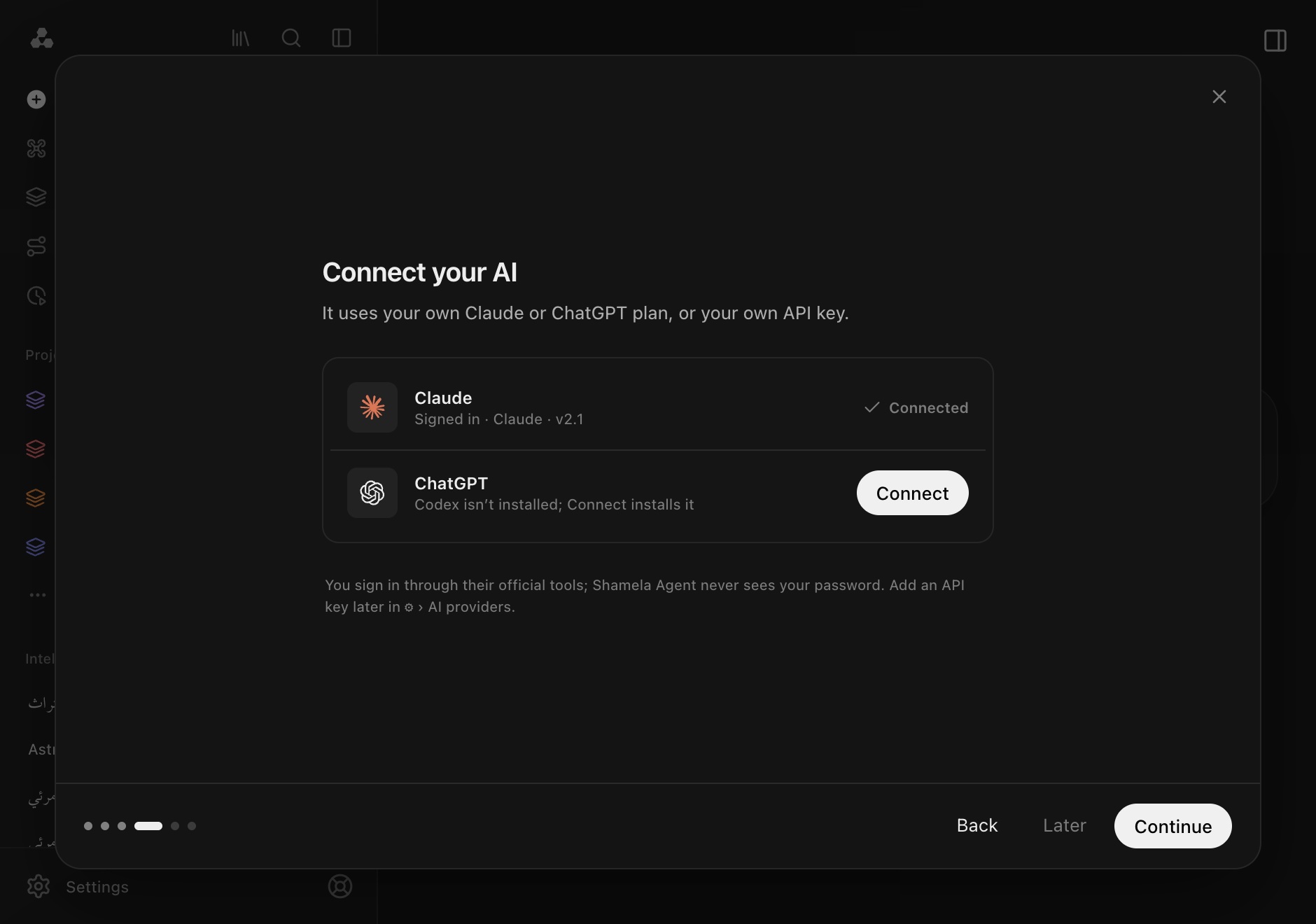
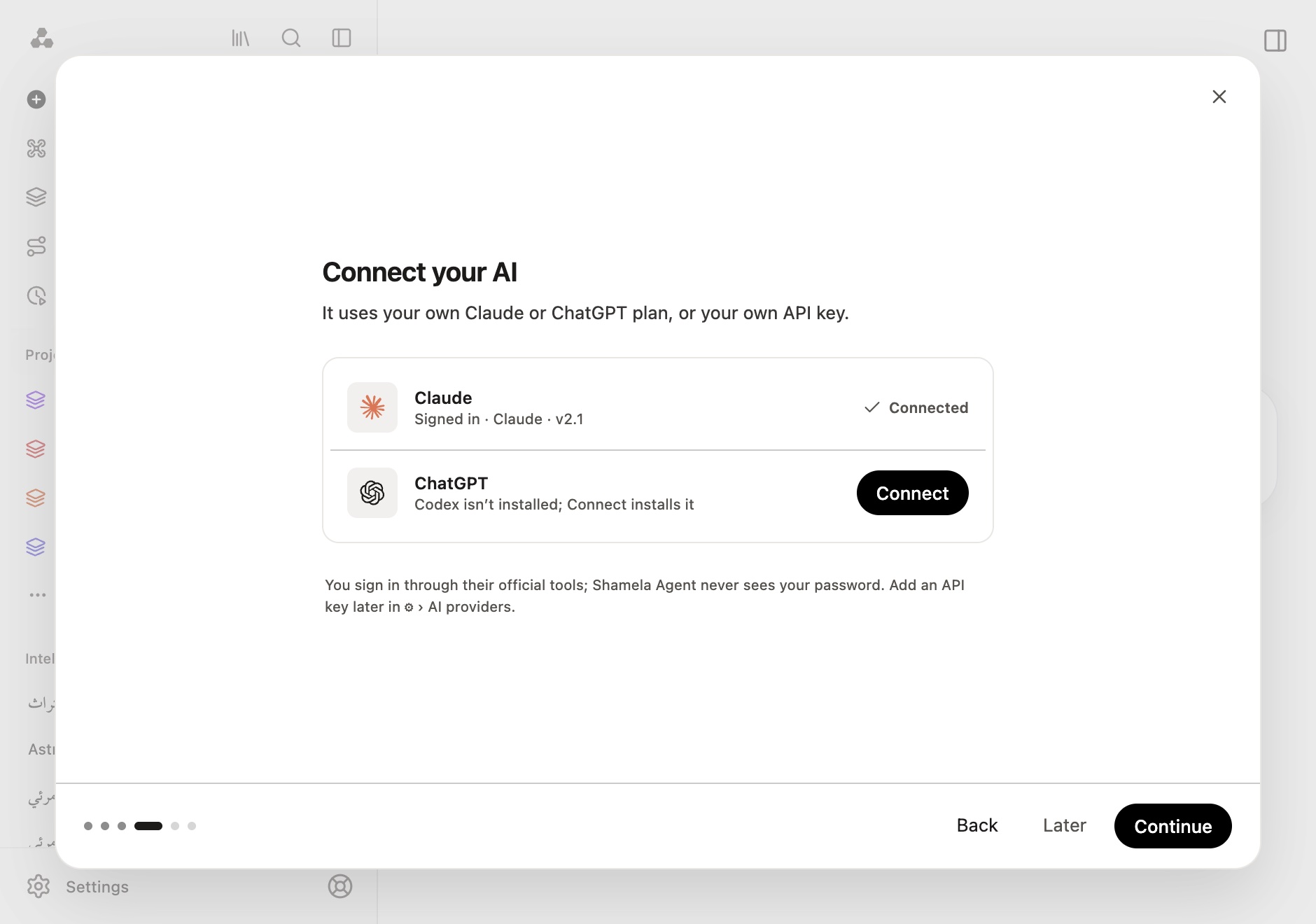
Connect your AI account
- In Shamela Agent, select Connect next to Claude or ChatGPT.Claude Code or Codex installs if it’s missing.
- Sign in through your browser, then return to Shamela Agent.Shamela Agent never sees your password.
Prefer an API key? ⚙ › AI & usage › API key.
Ready to start?
For Mac and Windows.